No Image

Замена аккумулятора Sony Ericsson W302

50 просмотров
12 декабря 2023

Шаг 1 Снимите заднюю панель

Sony Ericsson W302 Battery Replacement, Remove the back plate: step 1, image 1 of 3Sony Ericsson W302 Battery Replacement, Remove the back plate: step 1, image 2 of 3Sony Ericsson W302 Battery Replacement, Remove the back plate: step 1, image 3 of 3

Вставьте сюда палочку. Снимите пластину

Шаг 2 Извлеките аккумулятор

Sony Ericsson W302 Battery Replacement, Remove the battery: step 2, image 1 of 3Sony Ericsson W302 Battery Replacement, Remove the battery: step 2, image 2 of 3Sony Ericsson W302 Battery Replacement, Remove the battery: step 2, image 3 of 3

Вставьте палочку сюда. Извлеките батарею.

Шаг 3 Замените батарею
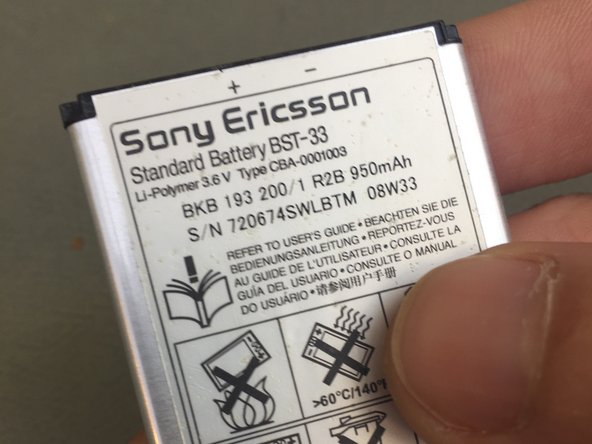
Sony Ericsson W302 Battery Replacement, Replace the battery: step 3, image 1 of 2Sony Ericsson W302 Battery Replacement, Replace the battery: step 3, image 2 of 2

Теперь вы можете заменить батарею.

Выполните шаги в обратном порядке, чтобы завершить ремонт

Комментировать
50 просмотров
Комментариев нет, будьте первым кто его оставит

Это интересно
No Image Гайды
0 комментариев
No Image Гайды
0 комментариев
No Image Гайды
0 комментариев