No Image

Замена дисплея Lenovo Golden Warrior S8

47 просмотров
17 декабря 2023

Шаг 1 Дисплей

Lenovo Golden Warrior S8 Display Replacement, Display: step 1, image 1 of 1

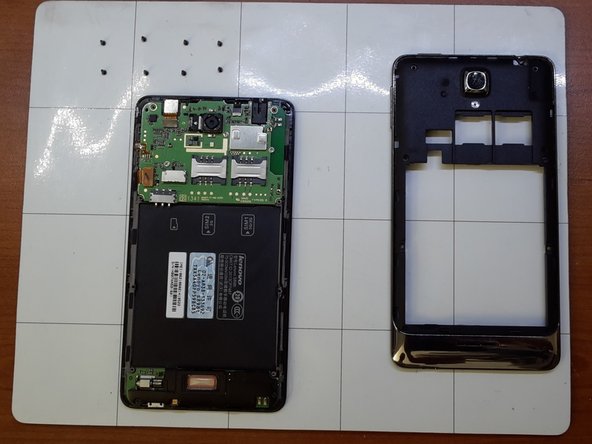
Снимите заднюю крышку и аккумулятор

Шаг 2

Lenovo Golden Warrior S8 Display Replacement: step 2, image 1 of 1

Открутите восемь винтов

Шаг 3

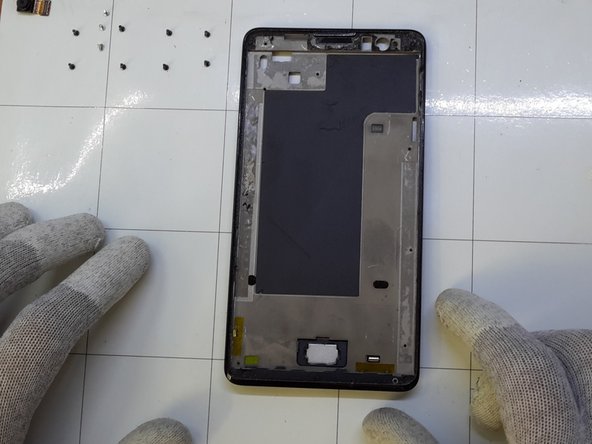
Lenovo Golden Warrior S8 Display Replacement: step 3, image 1 of 2Lenovo Golden Warrior S8 Display Replacement: step 3, image 2 of 2

Осторожно откройте среднюю рамку

Шаг 4

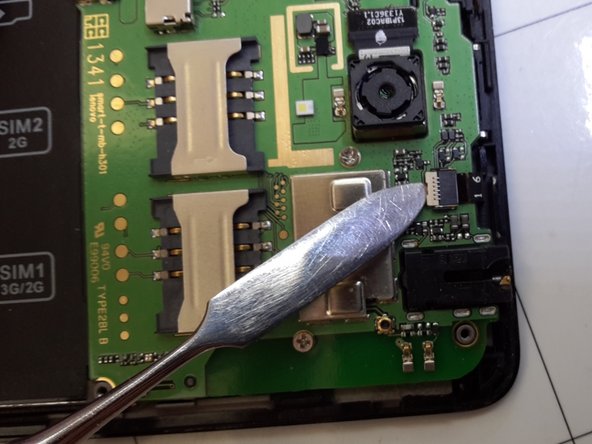
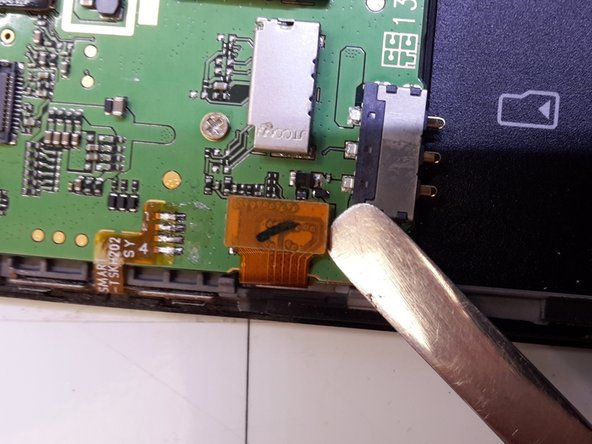
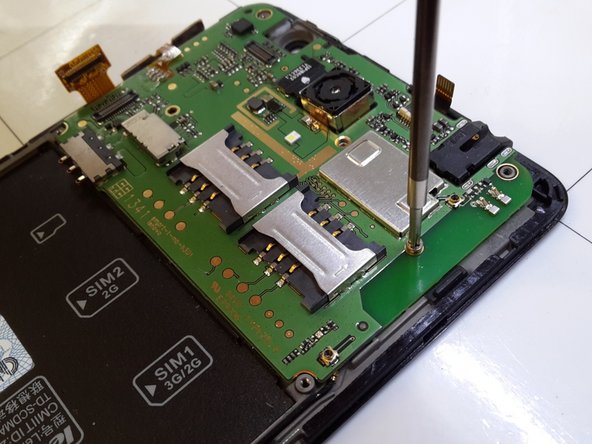
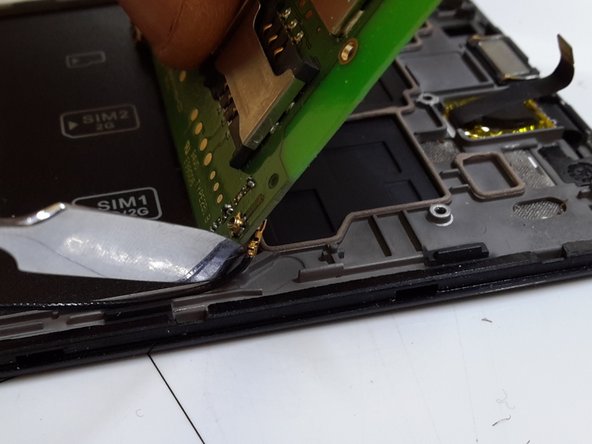
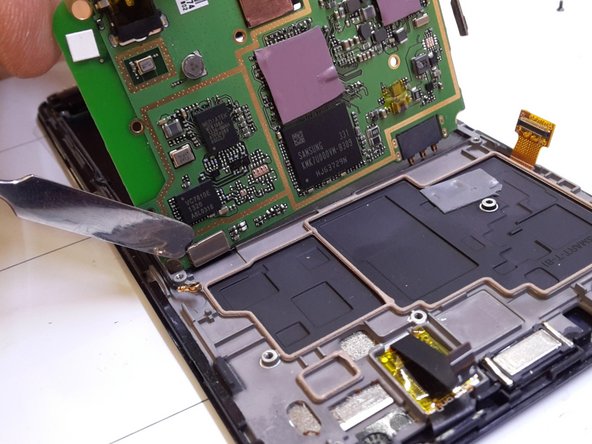
Lenovo Golden Warrior S8 Display Replacement: step 4, image 1 of 3Lenovo Golden Warrior S8 Display Replacement: step 4, image 2 of 3Lenovo Golden Warrior S8 Display Replacement: step 4, image 3 of 3

Снимите шляпки

Шаг 5

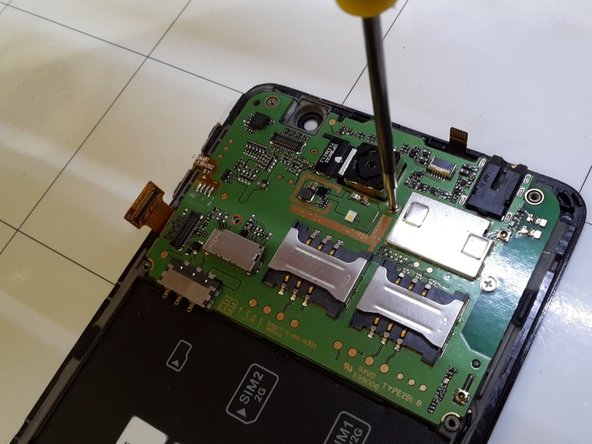
Lenovo Golden Warrior S8 Display Replacement: step 5, image 1 of 3Lenovo Golden Warrior S8 Display Replacement: step 5, image 2 of 3Lenovo Golden Warrior S8 Display Replacement: step 5, image 3 of 3

Выкрутите три винта

Шаг 6

Lenovo Golden Warrior S8 Display Replacement: step 6, image 1 of 3Lenovo Golden Warrior S8 Display Replacement: step 6, image 2 of 3Lenovo Golden Warrior S8 Display Replacement: step 6, image 3 of 3

Снимите плоскую кнопку включения

Снимите антенну

Снимите плоскую часть кнопок, расположенных ниже

Шаг 7

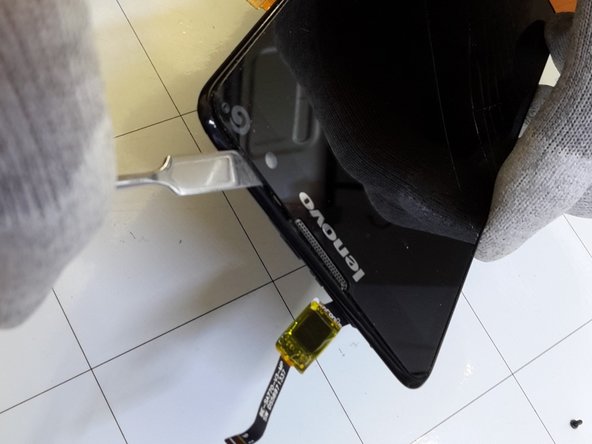
Lenovo Golden Warrior S8 Display Replacement: step 7, image 1 of 3Lenovo Golden Warrior S8 Display Replacement: step 7, image 2 of 3Lenovo Golden Warrior S8 Display Replacement: step 7, image 3 of 3

Нагрейте переднюю часть

Осторожно отсоедините переднюю часть от средней рамки

Комментировать
47 просмотров
Комментариев нет, будьте первым кто его оставит

Это интересно
No Image Гайды
0 комментариев
No Image Гайды
0 комментариев
No Image Гайды
0 комментариев